
Exporting Data to Excel
Vacancy / Candidate Workbench > Toolbar > Excel
Data held in both the Candidate and Vacancy Workbench can be quickly exported out to Excel via the Icon located in the Toolbar:
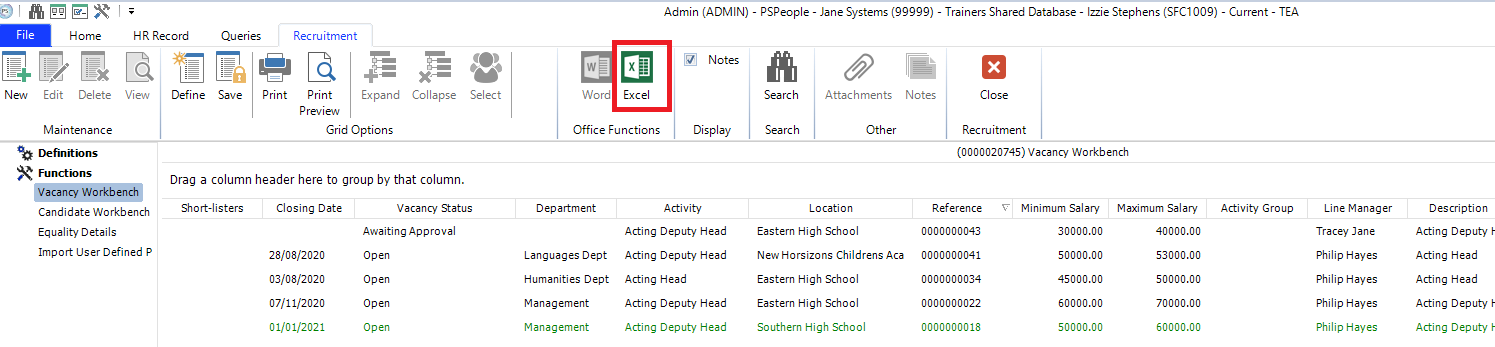

The datasets being presented within the Workbench columns are configurable at user level.
Please click here for further information