
Appoint Candidate
Once the Candidate has been Approved for Provisional Offer, the HR Team can Appoint the Candidate when they are ready to do so.
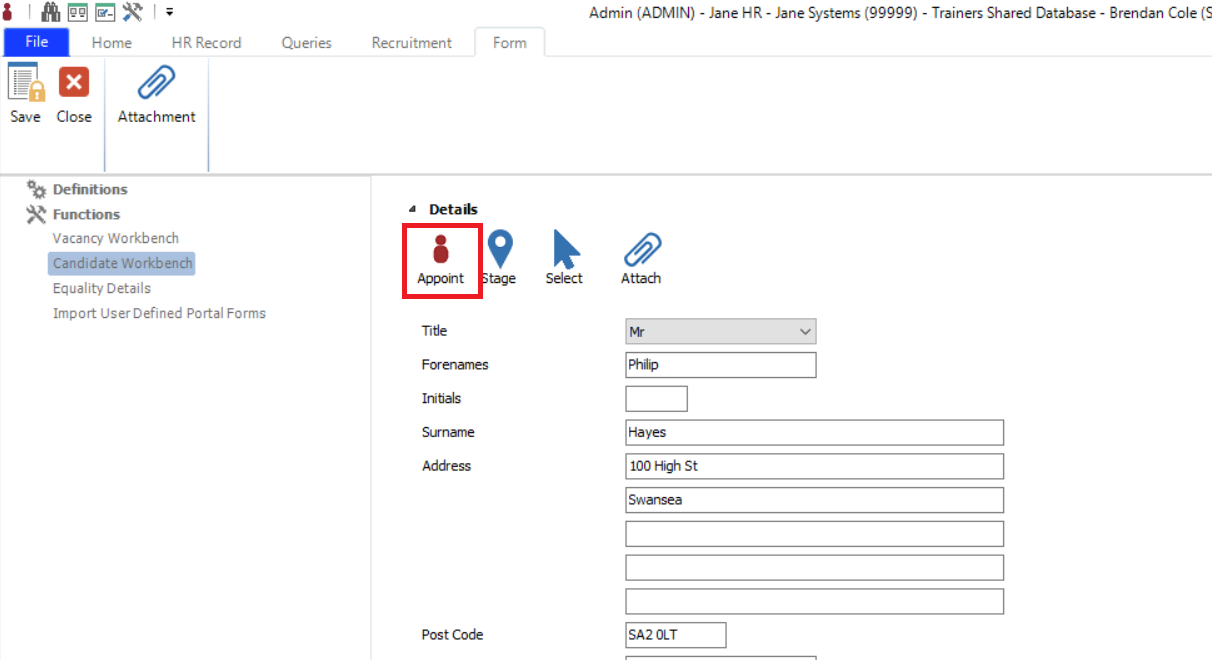
Edit the Candidate from within the Candidate Workbench and navigate to the Details section and click the Appoint Button.
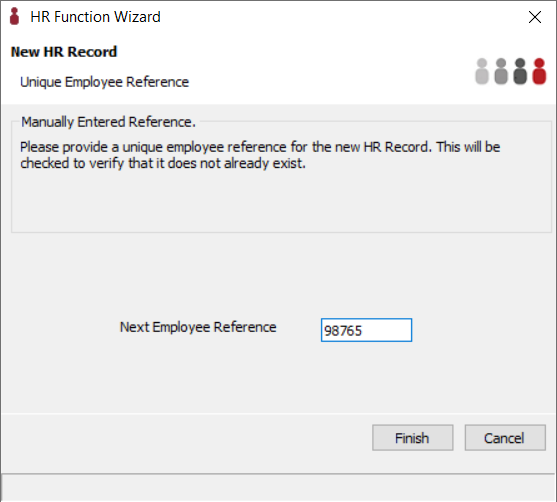
Clicking Appoint activates the HR Function Wizard where users can enter a new Employee Reference number. The wizard will also be presented if Employee Reference auto generate is switched on. If you don’t enter a number here, the Wizard will default to the next available employee number.
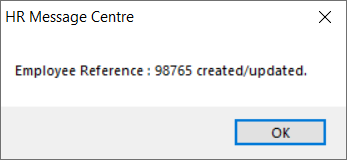
A message is returned advising successful Employee Reference record creation.
The basic details used when applying for the Vacancy will be used to create a new HR Record for the employee including their Personal details, Qualifications, etc.
The Employee will now be visible in the Windows Application.